A Guide to Multiperson Eye Tracking
TIP
🎬 3, 2, 1… Action! Learn how to control multiple devices simultaneously and send synchronized event markers to align data for multiperson studies.
Multiperson Eye Tracking
Social connection often happens in the blink of an eye. To capture the fast dynamics of mutual gaze and shared attention, researchers are shifting from single-person neuroscience to rich, multiperson perspectives. With portable eye trackers like Neon, capturing concurrent gaze behavior in the real world is now a reality. For example, landmark initiatives like the Neurolive and SocialEyes projects are exploring collective attention in live, dynamic environments.
When analyzing eye tracking data from multiple devices, temporal alignment is critically important. A saccade takes just 30 to 100 milliseconds. If your streams are off by even half a second, you don't just miss the moment, you rewrite the cause-and-effect of the interaction.
The Challenge of Synchronization
To understand the challenge, one must look at the hardware architecture. Neon and Pupil Invisible are standalone devices. They don't require an external computer, and each operates its own internal clock.
It’s possible to sync independent clocks via Network Time Protocol (NTP), see Achieve Super-Precise Time Sync, and this is sufficient for many use cases. However, analyzing high-speed interactions may require precision of <10 ms. Moreover, even perfectly synced clocks experience drift over time - up to 1 second over 24 hours. To get millisecond precision and remove drift, we need alternative approaches.
SocialEyes demonstrated a terminal-based workflow for synchronizing 30 devices at CHI 2025. The system uses an NTP clock-filter algorithm and UDP packet exchanges to estimate offsets. These offsets are processed via RANSAC to create an outlier-robust linear mapping, aligning individual device timestamps to a central reference.
The Neurolive project used a terminal-based "event pulse" approach, where a signal was sent over a network to multiple Invisible devices. Historically, independent cameras used shared sound or visual cues, like a cinema clapperboard, to sync up. This digital approach serves as a modern "clap”. However, to the best of our knowledge, their method wasn’t published for general use.
Here we build on this latter concept for Neon. Specifically, Pupil Labs’ Realtime API offers a mechanism called Time Echo. Conceptually similar to the Network Time Protocol (NTP), it allows an external computer to estimate the time difference (offset) between its own clock and the clock of every Neon device on a local network. By calculating this offset and removing network latency, the API triggers a signal to a connected device, instructing it to write an offset-corrected event. When you import these recordings into your analysis pipeline, these events serve as alignment keys.
See How To Do So Programmatically
import time
from pupil_labs.realtime_api.simple import discover_devices
def send_event_to_all_devices(
devices, local_timestamp_ns: int, event_name: str = "my_event"
):
for device, _, clock_offset_ns in devices:
print(
f"Sending event '{event_name}' to {device.adress}..."
)
print(
device.send_event(
event_name,
event_timestamp_unix_ns=local_timestamp_ns - clock_offset_ns,
)
)
def update_device_time_offsets(devices):
updated_devices = []
for device, _, _ in devices[:]:
new_estimate = device.estimate_time_offset()
new_clock_offset_ns = round(new_estimate.time_offset_ms.mean * 1_000_000)
TIP
Neon and Pupil Invisible use timestamps in nanoseconds from the UNIX epoch. In other words, it reports the time in nanoseconds elapsed from 00:00:00 UTC on 1 January 1970. A common standard to report date and times.
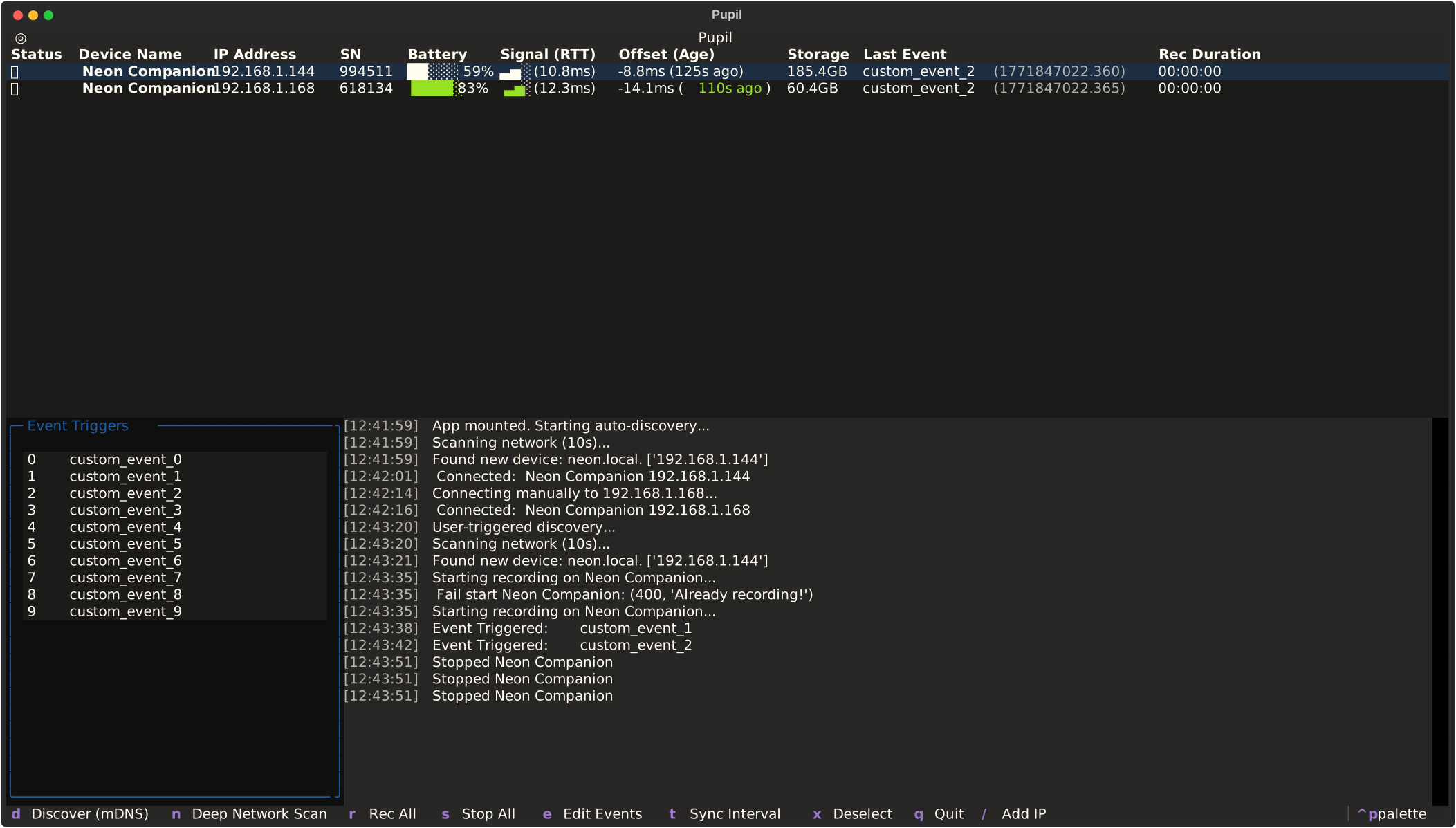
To make this process more accessible, we built a digital tool called pl-realtime-tui: a lightweight way to orchestrate, monitor, and synchronize multiple eye trackers simultaneously.
How to Use It
If you have Astral UV's Python tool installed, you can try it immediately without a manual setup:
uvx --from pupil-labs-realtime-tui pl-realtime-tuior if you plan to use it regularly, you can install it as a tool:
uv tool install pupil-labs-realtime-tui
pl-realtime-tui
Once launched, the control realtime-tui allows you to:
- Discover: Automatically find all Neon devices on your local network.
- Sync: Calculate the (θ) offset for every participant.
- Control: Start and stop recordings on all devices with a single command.
- Annotate: Send unified "Anchor" events to all data streams simultaneously.
Using Your Anchor Events
After sending synchronized events to all your eye-tracking devices, each dataset will contain event annotations that correspond to the exact same physical moment in time across all participants. This enables you to compute metrics like mutual gaze, gaze recurrence (when subjects look at the same region at given time), or pupillary synchrony (a cross-correlation of pupil size, a somatic marker of shared cognitive/emotional states).
When analyzing, you simply take the timestamp for the same event on each recording as a base.
Here is a concrete example of how to do this in Python using pl-neon-recording, but the same logic applies to any analysis pipeline you may be using:
Analyze Multiple Recordings with pl-neon-recording
import pupil_labs.neon_recording as nr

recording1 = nr.open(recording_dir_1)
recording2 = nr.open(recording_dir_2)
...

rec1_timestamps = recording1.gaze.time

event_ts_rec1 = ...
event_ts_rec2 = ...
...

delta_rec2 = event_ts_rec1 - event_ts_rec2
wearer1 = recording1.info.wearer_id
wearer2 = recording2.info.wearer_id

combined_data = zip(
    rec1_timestamps,
    recording1.pupil.sample(rec1_timestamps),
    recording2.pupil.sample(rec1_timestamps - delta_rec2),
    strict=False,
    )

for time, rec1_pupil, rec2_pupil in combined_data:
    print(f"Time {time}: Pupil Size Left eye {wearer1} : {rec1_pupil.diameter_left} mm, {wearer2}: {rec2_pupil.diameter_left} mm")
TIP
Do you want to generate a video like the one at the beginning of this article, showing synchronized gaze data from multiple participants and pupil size? Try pl-realtime-tui render or pl-realtime-tui render --help for more options.
Taking it to the Next Level
While pl-realtime-tui provides a great foundation for orchestrating and synchronizing streams, some research domains require even more specialized infrastructure. If your ambitions scale to massive live events and you need advanced features like high-throughput streaming, mapping individual egocentric gaze onto a shared coordinate space, or automating collective attention analysis, we highly recommend checking out the SocialEyes GitHub Repository. It is a powerhouse, open-source tool built by the community specifically to tackle the extreme ends of large-scale, multiperson tracking, with one study recording over 30 participants simultaneously in a live concert setting!
TIP
💡 Need assistance in implementing your own multiperson workflow? Feel free to reach out to us via email at info@pupil-labs.com, on our Discord server, or visit our Support Page for dedicated support options.
Undistort Video and Gaze Data
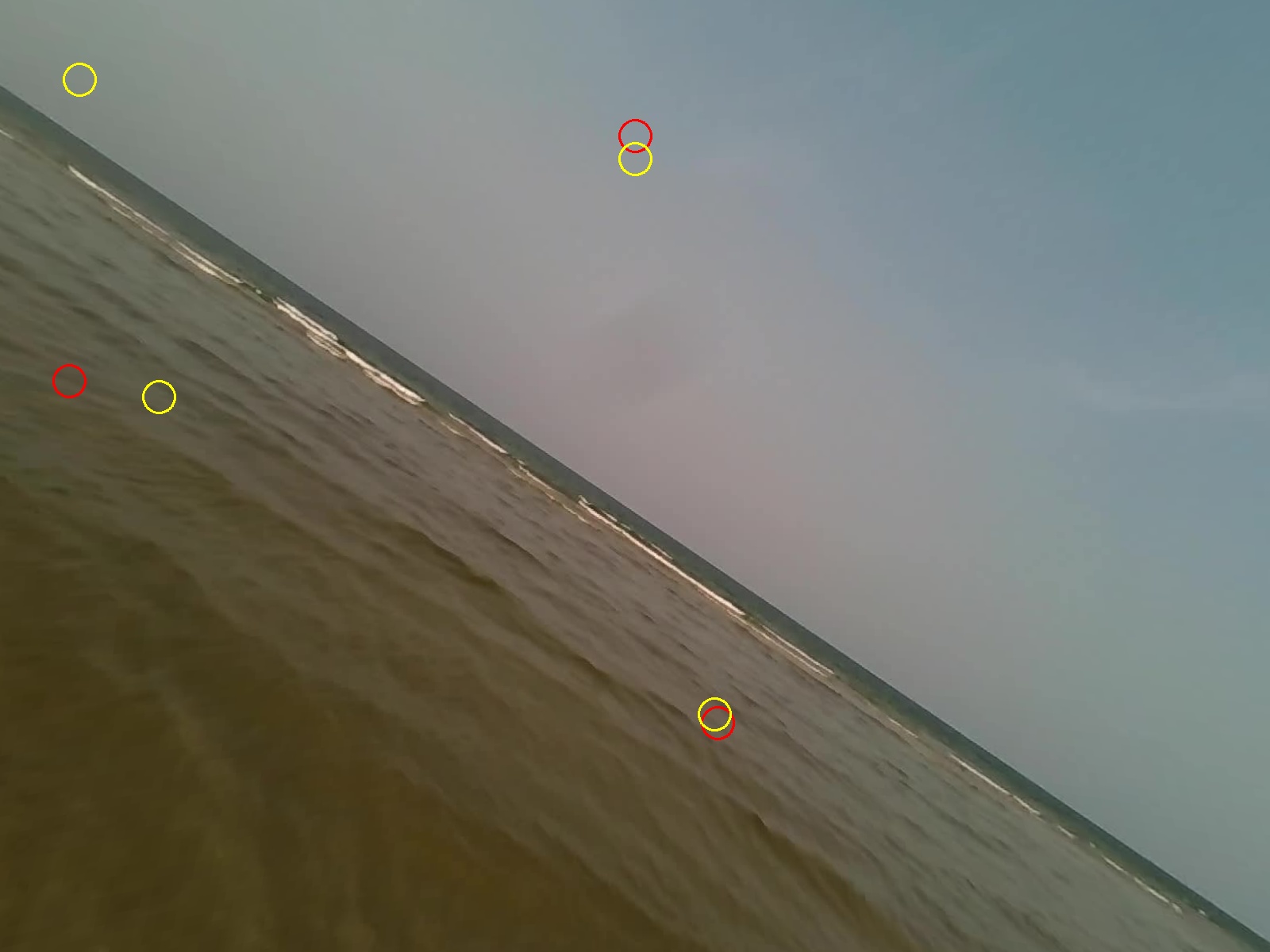
Learn how to undistort the scene camera distortions and apply it to gaze positions.
Use Neon with Pupil Capture
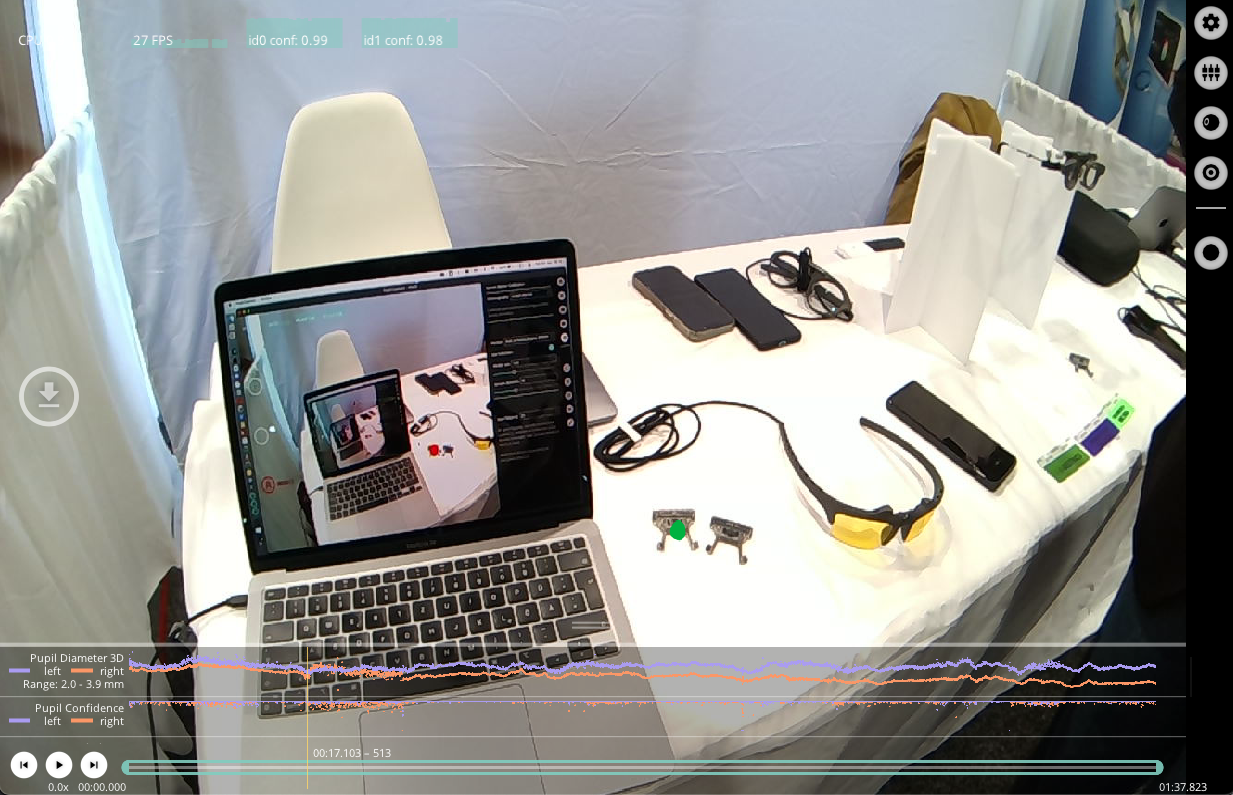
Use your Neon module as if you were using Pupil Core. Connect it to a laptop, and record using Pupil Capture.
Generate Scanpath Visualisations
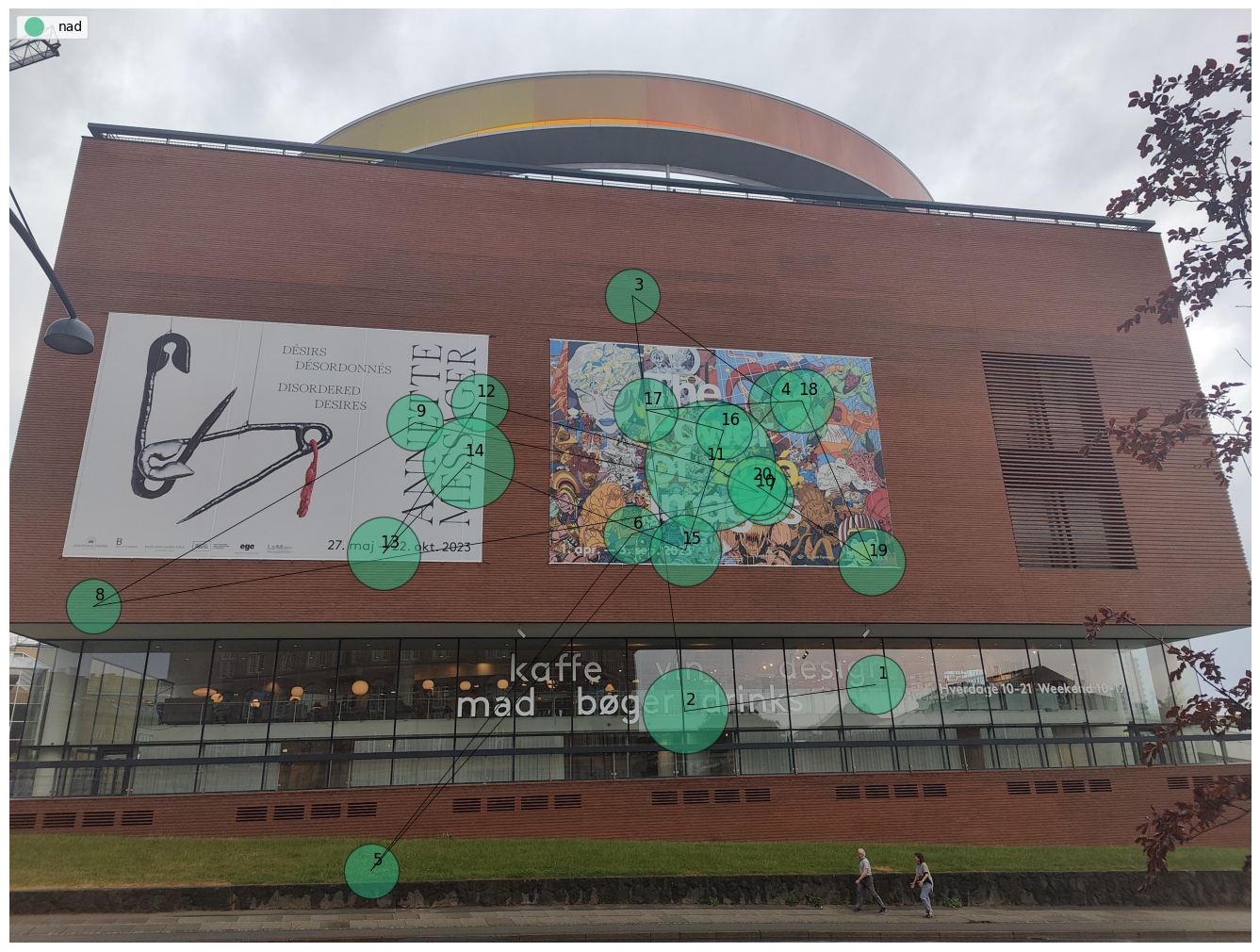
Generate both static and dynamic scanpath visualisations using exported data from Pupil Cloud's Reference Image Mapper or Manual Mapper.