Motion Capture Integration with Neon
TIP
Ever wanted to see exactly where your subject is looking within your 3D motion capture environment? This guide breaks down the principles of integrating Neon's gaze data with motion capture systems.
Bridging Eye Tracking and Motion Capture
Motion capture and eye tracking are two powerful tools for understanding human behaviour. Motion capture reveals what the body is doing, tracking limbs and joints with millimetre accuracy. Eye tracking reveals where gaze is directed, showing the focus of attention. For many researchers, a key goal is to combine these two data streams, creating a single, comprehensive overview of behaviour.
However, these are fundamentally separate systems. They operate in different coordinate spaces and produce different data formats. To accurately integrate them, it is necessary to translate gaze data into motion capture space.
This article introduces a method for achieving this. It outlines the principles of calibration and data transformation, providing a robust workflow that can be adapted to any marker-based motion capture system.
Background and Tool Overview
Since releasing our motion capture-ready frames, such as Every Move You Make and I Can Track Clearly Now, we have received numerous requests on how best to integrate Neon’s eye tracking data with motion capture systems. Our users work with a range of systems from different manufacturers and often employ custom marker configurations.
To meet this demand, we have developed a Python tool that serves as a software counterpart to these frames. The tool and its accompanying guide show you how to integrate your Neon recordings with motion capture data, regardless of your specific setup. In principle, it can be used with any frame that has passive reflective markers attached.
Core Principles of the Workflow
Here we outline four key concepts that are important to using the tool successfully:
- Temporal Alignment: First, it is necessary to temporally synchronise Neon and motion capture data. This is because the systems use different clocks and record at different sampling rates. There are several ways to achieve synchronisation, for example using NTP, offset-corrected events, or Lab Streaming Layer (LSL). We outline specifically how to do this in the tool’s GitHub repository.
- Calibration: This is a foundational step that learns the rigid physical relationship (or “pose”) between Neon’s scene camera and the markers on the frame. It involves using a known calibration object. In our case, we use an AprilTag board with known dimensions, with motion capture markers placed precisely at the corners. By recording a short sequence where this target is visible to both systems, we can compute the transformation matrix that defines the camera’s pose relative to the markers. It is quite common for a T-pose or subject calibration to be performed prior to motion capture trials, so this is a perfect time to record the calibration sequence.
- The Transformation: The outcome of calibration is a transformation matrix. This matrix can be used to transform Neon’s gaze measurements from scene camera coordinates into the motion capture system’s coordinates.
- Application to New Data: Once calibration is complete and the transformation matrix has been saved, it can be applied to any new recording of that wearer in the motion capture volume. This allows you to automatically and efficiently process long experiments without needing to recalibrate. The result is a single, unified data stream where the wearer’s line of sight is accurately represented within the 3D motion capture space.
TIP
Why don't we just provide a fixed 3D model of the Neon marker geometry?
We have designed this workflow to be as flexible as possible, since users can configure their setup with different marker mount lengths or even add their own custom markers to other frames. This user-specific calibration process enables you to use any setup you need!
TIP
We also provide canonical geometries for a stock marker mount configuration, so you can integrate your Neon recordings directly with motion capture data.
How to Get Started
Here are the key stages for getting started. Detailed instructions for each step are available in the GitHub repository.
- Prepare Your Environment: Set up your motion capture space according to your experimental requirements.
- Create the Calibration Target: Ideally, prepare this in advance. Print four AprilTag markers at a known size and affix reflective markers precisely to their corners. It is crucial to arrange them in a square or rectangular layout. (You can use physical printed tags or even display them digitally on a monitor.)
- Record the Calibration Pose: Have the participant wear Neon. Position the calibration target approximately 0.7 m away from their head so that it occupies a large portion of the visual field. Record for about 15–20 seconds while the participant gazes at the board. Ensure the motion capture cameras can clearly see all IR markers on both the frame and the target throughout.
- Collect Participant Data: Once calibration data is collected, you are ready to record the trials for this participant.
- Process the Data: After collecting your calibration and trial data, import everything into our Python tool.
Head to our GitHub repository for all the code, calibration guides, and step-by-step instructions.
TIP
We strongly recommend you pilot this approach before collecting experimental data to ensure everything is working as expected.
Output and Data Structure
Once you have run the tool, you will get a new, unified data file. The primary output is a gaze_in_mocap_space.csv file that contains:
- The original timestamps, synchronised across systems.
- A 3D gaze vector (origin and direction) for each gaze point, transformed into your motion capture system's 3D coordinate space.
This data file is ready for direct import into your analysis software (like MATLAB or Python), allowing you to correlate gaze with your 3D motion data.
TIP
Need assistance building your motion capture integration pipeline? Reach out to us by email, on our Discord server, or visit our Support Page for dedicated support options.
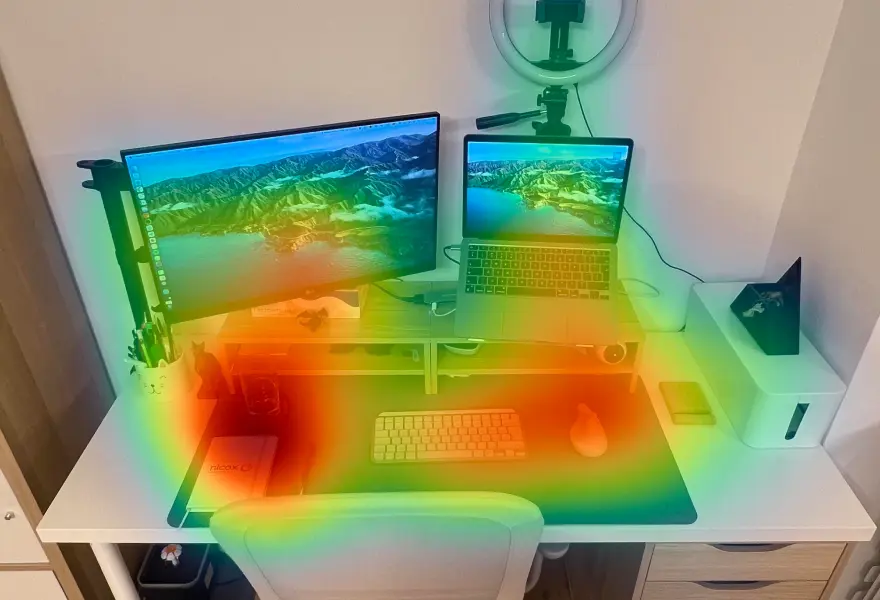
Map Gaze Throughout an Entire Room
Use Pupil Cloud's Reference Image Mapper to Map gaze onto multiple areas of an entire room as participants freely navigate around it.
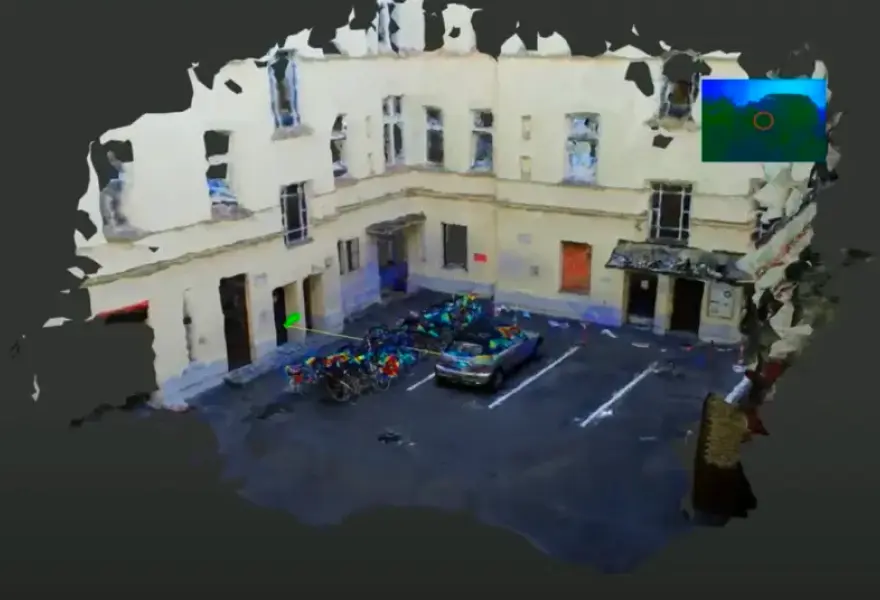
Map Gaze Onto a 3D Model of an Environment
Map gaze onto a 3D model of an environment and visualise gaze patterns as 3D heatmaps using Pupil Cloud's Reference Image Mapper and Nerfstudio.
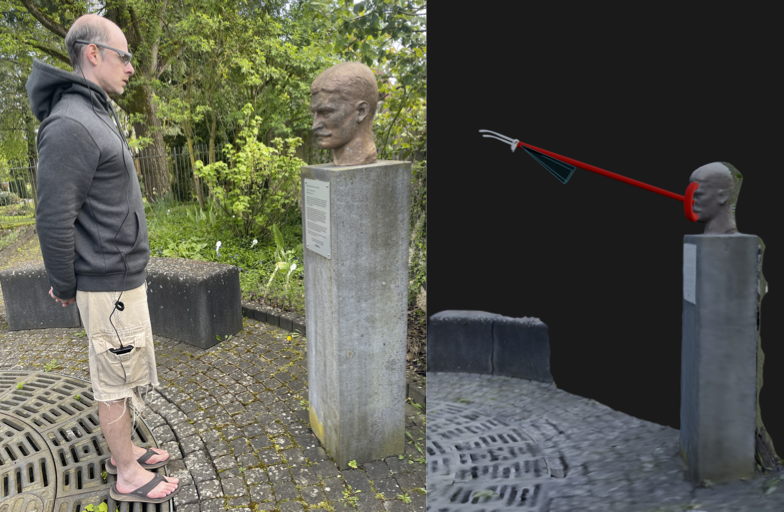
Map Gaze Into a User-Supplied 3D Model
Map gaze, head pose, and observer position into a 3D coordinate system of your choice using our Tag Aligner tool.