Depth Estimation with Neon
TIP
When a driver shifts focus from their dashboard to a street sign, eye tracking shows what they fixated on, but not how far away the target was. By applying depth estimation models to Neon scene video, you can automatically turn X, Y gaze into Z distance metrics, unlocking depth data for every fixation and mapping visual attention in true 3D space!
Why Depth Estimation Matters
Understanding where a subject is looking is only part of the story. Knowing the distance to the object that's looked at is important for many types of behavioral research. For example, measuring gaze depth is highly relevant when evaluating driver reaction times to road hazards, studying visual accommodation in ergonomics, or analyzing how people navigate complex spaces.
This tool adds depth estimation directly to Neon Player, allowing researchers to extract the real-world distance of gazed objects without needing any additional or specialized hardware.
From 2D Scene Video to Metric Depth
Neon provides highly accurate gaze data overlaid on standard 2D scene video. However, calculating distance from a flat image is challenging, traditionally requiring complex setups like physical markers, motion capture systems, or dedicated depth cameras.
This plugin attempts to solve the problem purely in software using monocular depth estimation. It leverages state-of-the-art neural networks to generate a depth map for each scene video frame, then reads the depth value at the exact X, Y coordinates of the wearer's gaze. With several model sizes available, researchers can easily prioritize either faster processing times or metric depth output depending on their project needs.
Until recently, most open-source depth estimation models could only provide relative depth, such as determining that one object is closer than another without providing an actual measurement. The release of models like Depth Anything V3 (specifically the DA3Metric-Large model) changes this by enabling zero-shot metric depth estimation from a single RGB camera, outputting real-world distances natively.
For this guide, we are using the Depth Anything V3 models, specifically the optimized implementation provided by the Awesome Depth Anything 3 repository.
How to Use It
- Download the Depth Estimation Plugin from this Github repository and place it in your Neon Player
pluginsdirectory. - Open Neon Player and load your chosen recording.
- In the plugin panel, enable the Depth Estimation plugin.
- Select your desired AI model (e.g., DA3Metric-Large for absolute distance, or DA3-Small/Base for lightweight relative depth).
- Click Run Depth Estimation and let the background job process the video frames.
- Click Export to select your export folder and retrieve your data.
Accessing your Depth Estimation Results
After the background job finishes, the plugin generates a depth map overlaid on the scene camera footage in the Neon Player window, along with a set of files ready for export and analysis:
In your depth_estimation folder inside the chosen the export path:
gaze_depth.mp4: A rendered scene video featuring a color-coded depth heatmap and a dynamic text overlay showing the exact distance to the gazed object.gaze_depth_output.csv: A frame-by-frame data export containing:- Timestamps and 2D gaze coordinates (x, y).
- Depth in meters (absolute distance; exclusive to the
DA3Metric-Largemodel). - Depth in Diopters (1/distance in meters; exclusive to the
DA3Metric-Largemodel). - Relative inverse depth (for the non-metric, lightweight models).
Inside the recording path, navigate to .neon_player/cache/DepthEstimationPlugin:
depth_norms_[Model].npy:uint8normalized depth maps intended for rapid visualization and live rendering.depth_values_[Model].npy:float32arrays containing the raw depth values at quarter-resolution, ideal for custom downstream programmatic analysis.
TIP
Need assistance implementing your own depth-estimation workflow? Reach out to us via email at info@pupil-labs.com, on our Discord server, or visit our Support Page for formal support options.
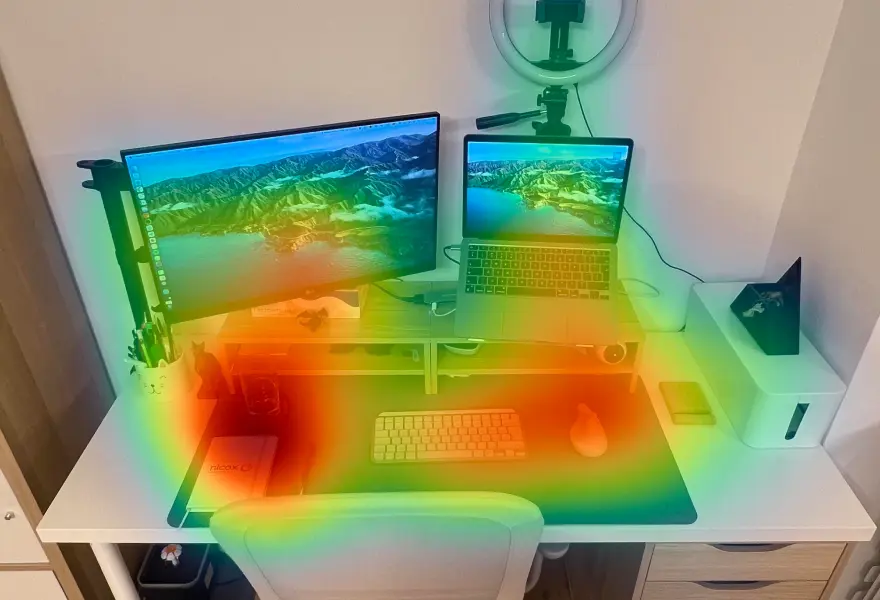
Map Gaze Throughout an Entire Room
Use Pupil Cloud's Reference Image Mapper to Map gaze onto multiple areas of an entire room as participants freely navigate around it.
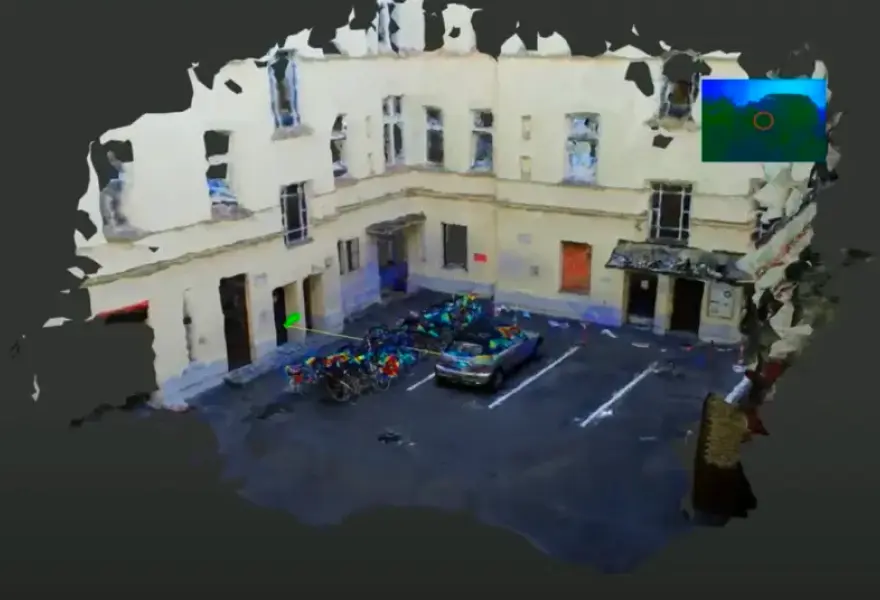
Map Gaze Onto a 3D Model of an Environment
Map gaze onto a 3D model of an environment and visualise gaze patterns as 3D heatmaps using Pupil Cloud's Reference Image Mapper and Nerfstudio.
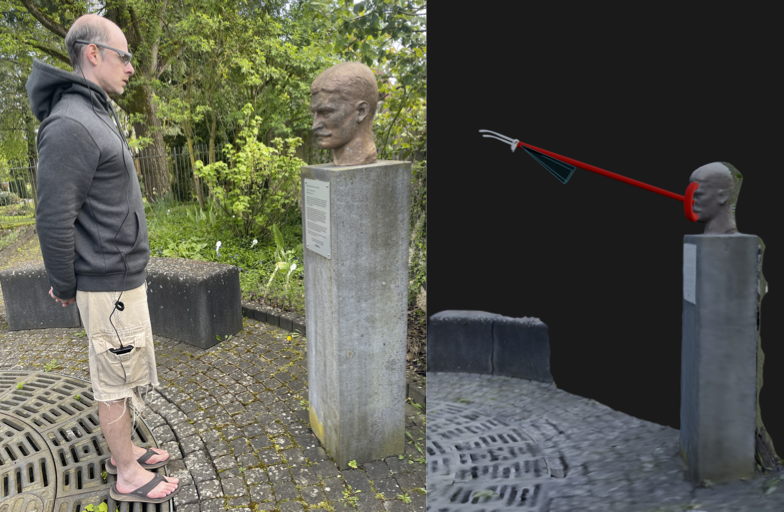
Map Gaze Into a User-Supplied 3D Model
Map gaze, head pose, and observer position into a 3D coordinate system of your choice using our Tag Aligner tool.